
Declarative
Describe what the screen shows for the current state. When state changes, Tessel updates the window for you.

app Counter(width: 320, height: 200) {    state count = 0
    VStack(spacing: 12) {        Text("Count: {count}")            .font(size: 32, weight: .bold)
        HStack(spacing: 8) {            Button("-") { count -= 1 }            Button("+") { count += 1 }        }    }    .padding(24)}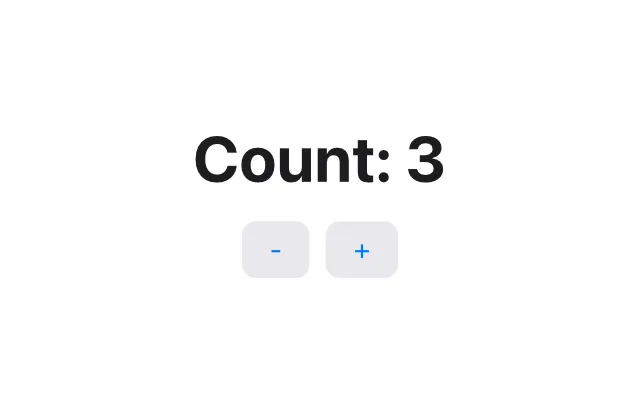
Run it with tessel run counter.tsl. No project files, no imports, no build
configuration: a folder of .tsl files is a program.
Declarative
Describe what the screen shows for the current state. When state changes, Tessel updates the window for you.
Native and fast
Programs compile through LLVM to small native executables. The UI is drawn on the GPU by Tessel’s own renderer.
Few rules to learn
One kind of block, value types only, no imports, and errors as optionals. Every error message says what to do next.
macOS and Windows
The same code builds a .app bundle on macOS and an .exe on Windows.
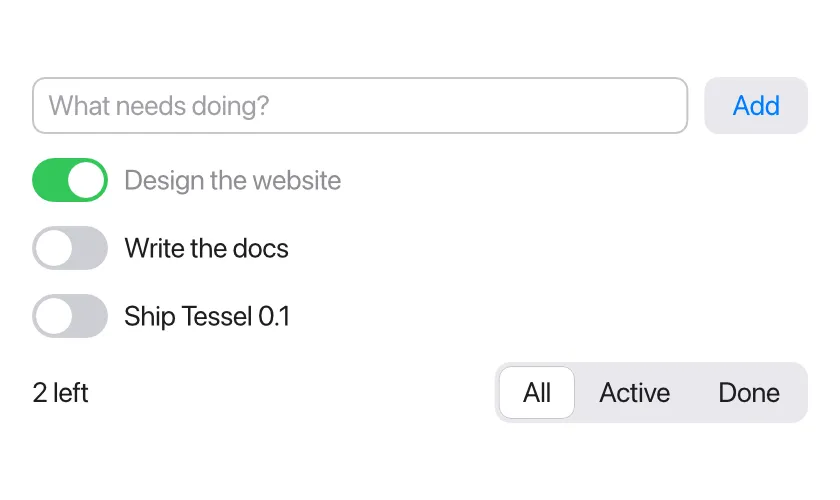
Structs, enums, lists and dictionaries; text fields, toggles, pickers, tabs and a code editor; about 60 built-in icons; files, processes and the network, with callbacks that update your UI safely. See the todo list tutorial.
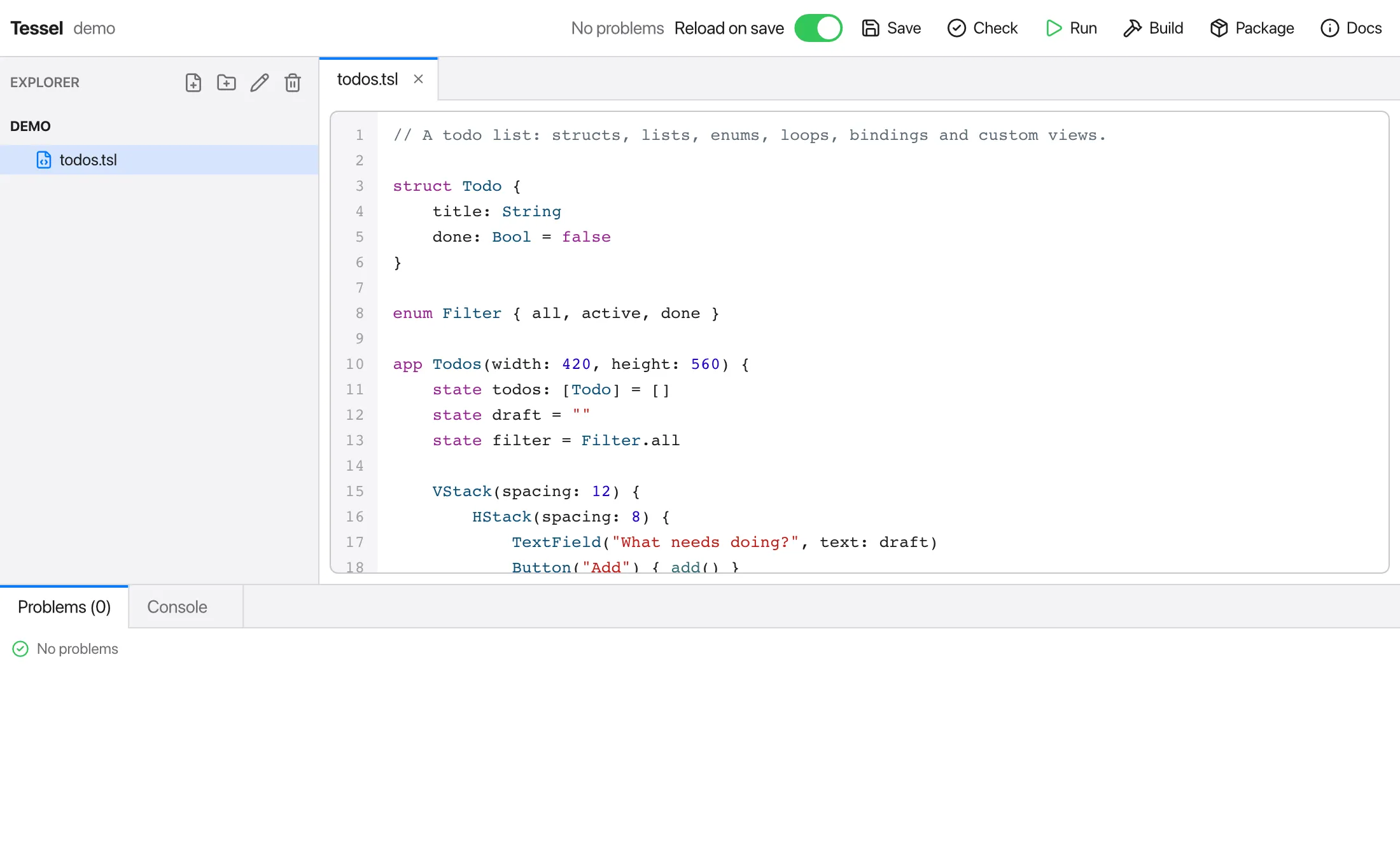
Type tessel in a project folder to open the Tessel IDE: a file explorer,
tabbed editor with syntax colors and live errors, and one-click run, build and
packaging. It’s a Tessel app itself. Read more.